
Email Is Still Your Biggest Risk (and your team isn't ready)
Estimated reading time: 8 minutes | Last Updated: 6/1/2026
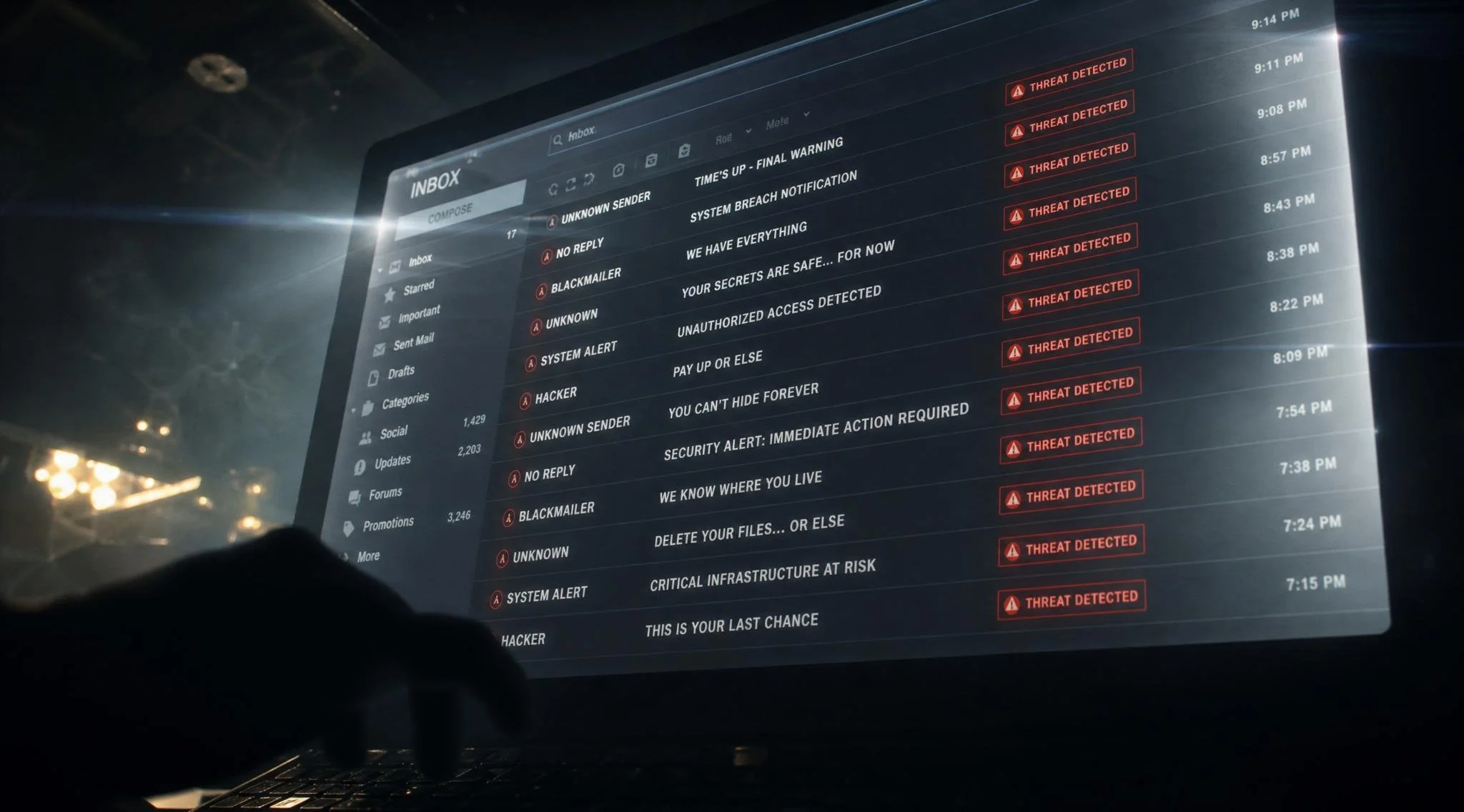
You Have Email Security. So Why Are Attacks Still Getting Through?
Your organization has invested in email filters. You've deployed security controls. You've blocked known threats and flagged suspicious senders.
And yet, attacks are still getting through.
According to Proofpoint's 2026 AI and Human Risk Landscape report, email remains the dominant attack vector for a reason: it works.
The data is sobering. In organizations that experienced security incidents, 67% involved email as the initial attack vector. Among all respondents, 63% cite email as the most common attack entry point.
The gap between having email security and actually being protected comes down to one critical variable: your people.
The Problem: Email Attacks Are Evolving Faster Than Your Defenses
Email filters are designed to stop known threats. They scan for malware signatures. They flag messages from untrusted IP addresses. They block attachments with dangerous file extensions.
But modern attacks don't rely on malware signatures anymore.
In May 2026, Hornetsecurity documented a sustained Remcos RAT delivery campaign active since at least November 2025. The attack uses a layered, fileless execution chain designed specifically to evade detection tools that rely on scanning for dropped binaries.
The delivery method? Purchase-order phishing lures that look completely legitimate.
Your email filters won't stop this. Not because your filters are bad, but because the attack looks like a real business email.
The Real Vulnerability: Time
When an attack gets through your email filter, the clock starts. According to CrowdStrike's 2026 Global Threat Report, the average time from initial compromise to significant attacker activity ("breakout") is just 29 minutes.
That's a 65% increase in speed compared to 2024.
Your team has less than half an hour to notice something is wrong. In that window, an attacker can move laterally through your network, escalate privileges, and establish persistence.
Why Email Controls Aren't Enough
Email security tools excel at technical defense. They catch malware. They block known bad domains. They flag phishing attempts with obvious red flags.
But they can't stop sophisticated attacks that appear legitimate.
A purchase-order phishing email looks like it came from a real vendor. The sender address is plausible. The request is business-appropriate. The attachment name sounds legitimate.
Email filters don't have context about your business relationships. They don't know if you actually work with that vendor. They can't verify if the person sending the email has authority to make that request.
That's where the human element comes in.
The Human Variable: Why One Click Compromises Everything
Email security controls are only as effective as the people using them.
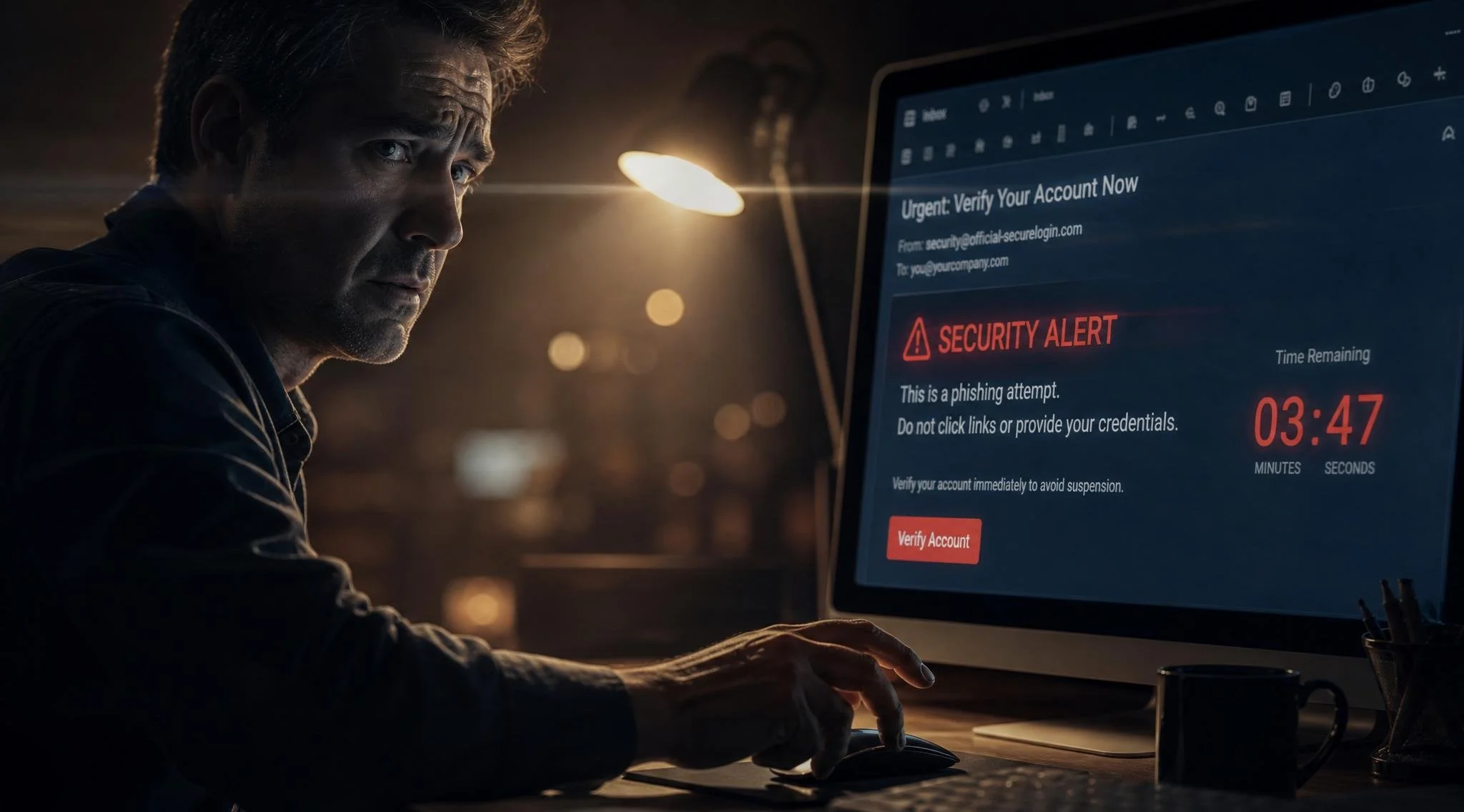
An employee receives a purchase-order phishing email. It passes all the technical filters because it's technically legitimate. The employee recognizes it as suspicious, verifies with the vendor through an alternate channel, and reports it.
Same email, different employee. They don't think twice. They open the attachment. They enable macros. Ransomware deploys.
The difference isn't your email security. It's employee awareness.
This is where most organizations fail. They invest heavily in technical controls but neglect the human layer. They assume security training is enough, or they skip it entirely.
Training without testing is just hope.
The Missing Piece: Phishing Simulations
Email security controls stop threats. Phishing simulations reveal human vulnerability.
A phishing simulation is a safe, controlled email that mimics a real attack. It's designed to test whether your team can recognize and report suspicious messages.
The metrics matter:
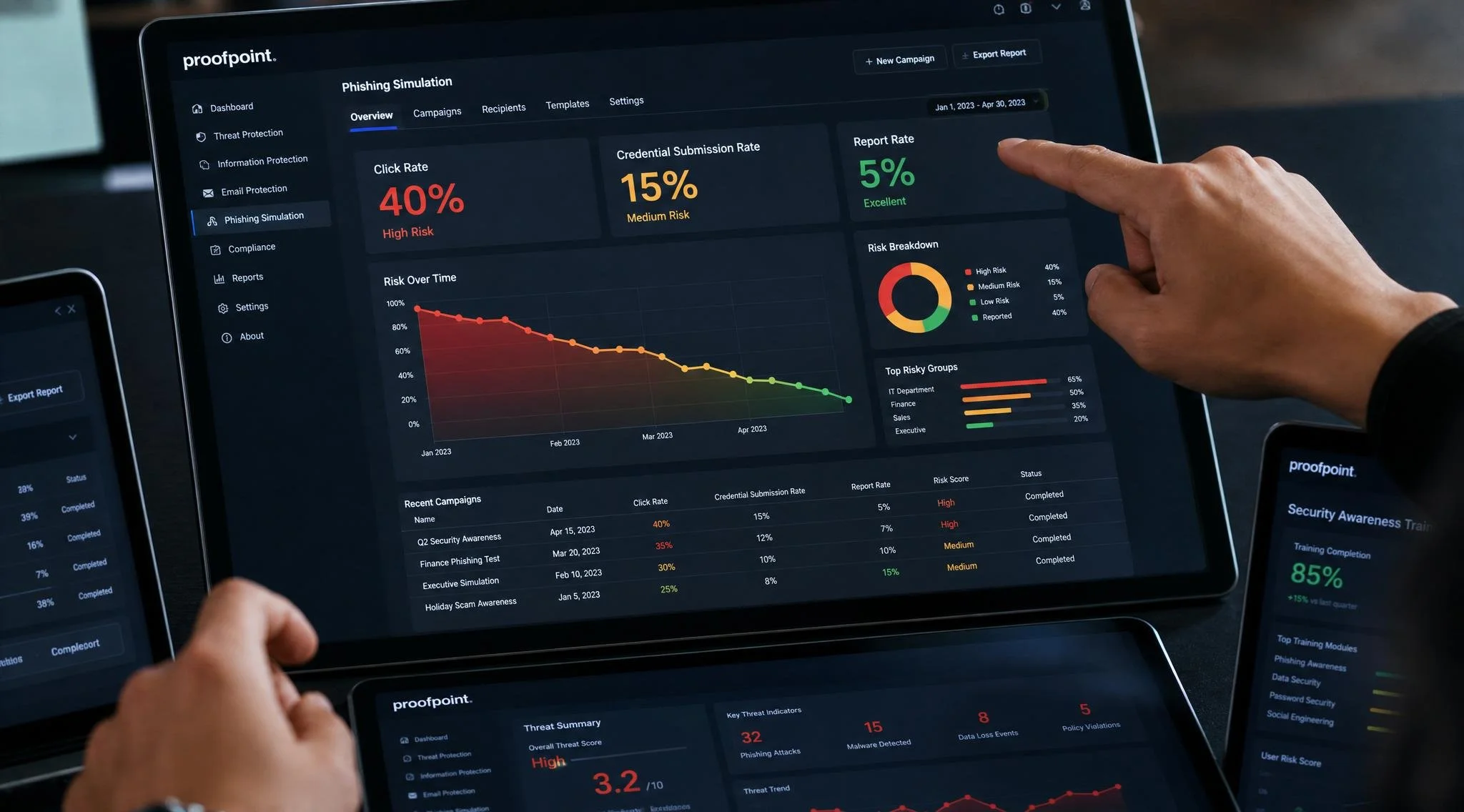
• Click rate: What percentage of employees clicked the malicious link?
• Credential submission: How many entered their username and password?
• Report rate: How many reported the phishing email to security?
• Time to report: How quickly did staff identify and flag the threat?
These numbers aren't just data points. They're a snapshot of your actual security posture.
If 40% of your staff clicks phishing links, you have a 40% breach probability when a real attack lands.
If 5% of staff reports suspicious emails, you have significantly reduced visibility into threats.
How Phishing Simulations Actually Work
Phishing testing isn't a gotcha exercise. It's a measurement and training tool.
Step 1: Baseline Assessment
Send a controlled phishing simulation to your entire organization. Don't announce it. Track who clicks, who submits credentials, who reports it.
This baseline shows where you actually are right now.
Step 2: Immediate Feedback
Anyone who clicks receives immediate feedback explaining why the email was suspicious and what they should have done instead.
This isn't punishment. It's reinforcement.
Step 3: Ongoing Campaigns
Run simulations regularly (monthly, quarterly, or based on your risk profile). Track improvement over time.
Organizations that run regular phishing campaigns see dramatic improvements in click-through rates and reporting rates within 6 months.
Step 4: Identify High-Risk Departments
Use the data to understand which teams are most vulnerable. Finance teams might fall for payment requests. HR might fall for employee verification requests.
Target training and campaigns to high-risk groups.
The Business Case for Phishing Testing
Security feels like a cost center. Phishing testing helps frame it as risk management.
Cost of One Breach
The average cost of a data breach in 2026 ranges from $4.45 million to $12+ million depending on industry and size. A single ransomware attack can cost millions in recovery, downtime, and ransom payments.
Phishing testing costs thousands per year. The ROI is obvious.
Compliance and Insurance
Organizations subject to PIPEDA, SOC 2, or other compliance frameworks are increasingly expected to demonstrate ongoing security awareness training and testing.
Cyber insurance providers offer discounts for organizations that run regular phishing simulations and can demonstrate reduced click rates.
Insurance discounts alone can offset phishing testing costs.
Employee Confidence
Employees who understand what phishing looks like are more likely to report suspicious emails. This creates visibility into actual threats landing in your inbox.
A single reported phishing email can prevent a breach.
Getting Started with Phishing Simulations
You don't need a massive program. Start with baseline testing.
Step 1: Measure where you are
Send one phishing simulation to your organization. Collect data. Understand your baseline.
Step 2: Create a plan
Based on your baseline, decide on a testing cadence. Monthly campaigns? Quarterly? Based on industry, organization size, and risk profile.
Choose realistic phishing scenarios relevant to your organization (vendor requests, HR verification, payment fraud).
Step 3: Track metrics that matter
Don't get lost in vanity metrics. Focus on:
• Click-through rate (target: under 10%)
• Credential submission rate (target: under 5%)
• Report rate (target: above 50%)
• Trend over time (are numbers improving?)
Step 4: Reinforce learning
Every person who clicks receives training. High-risk departments get targeted education. Success gets celebrated.
The Gap Between Having Security and Actually Being Secure
Email remains the dominant attack vector because it works. Not because email is impossible to defend, but because the human element is hard to scale.
You can have the best email filters in the world. But if one person clicks on a malicious link, your controls are bypassed.
Phishing simulations bridge that gap. They measure awareness, reinforce training, and identify vulnerabilities before real attacks exploit them.
The cost of phishing testing is negligible compared to the cost of a breach. The time investment is minimal. The benefits are measurable.
Phishing simulations are one of the most effective ways to bridge the gap between having email security and actually being secure. If your organization hasn't implemented phishing testing yet, it should be a priority.
Is Your Team Ready for a Real Attack?
THINKFLEX can help you assess your current email security posture and identify gaps. Contact us to discuss the right approach for your organization
Sources & References
• Proofpoint - 2026 AI and Human Risk Landscape Report: https://www.proofpoint.com
• Hornetsecurity - Monthly Threat Report (May 2026): https://www.hornetsecurity.com/en/blog/monthly-threat-report/
• CrowdStrike - 2026 Global Threat Report: https://www.crowdstrike.com/en-us/global-threat-report/