
Your IT Guy Just Quit. Now What?
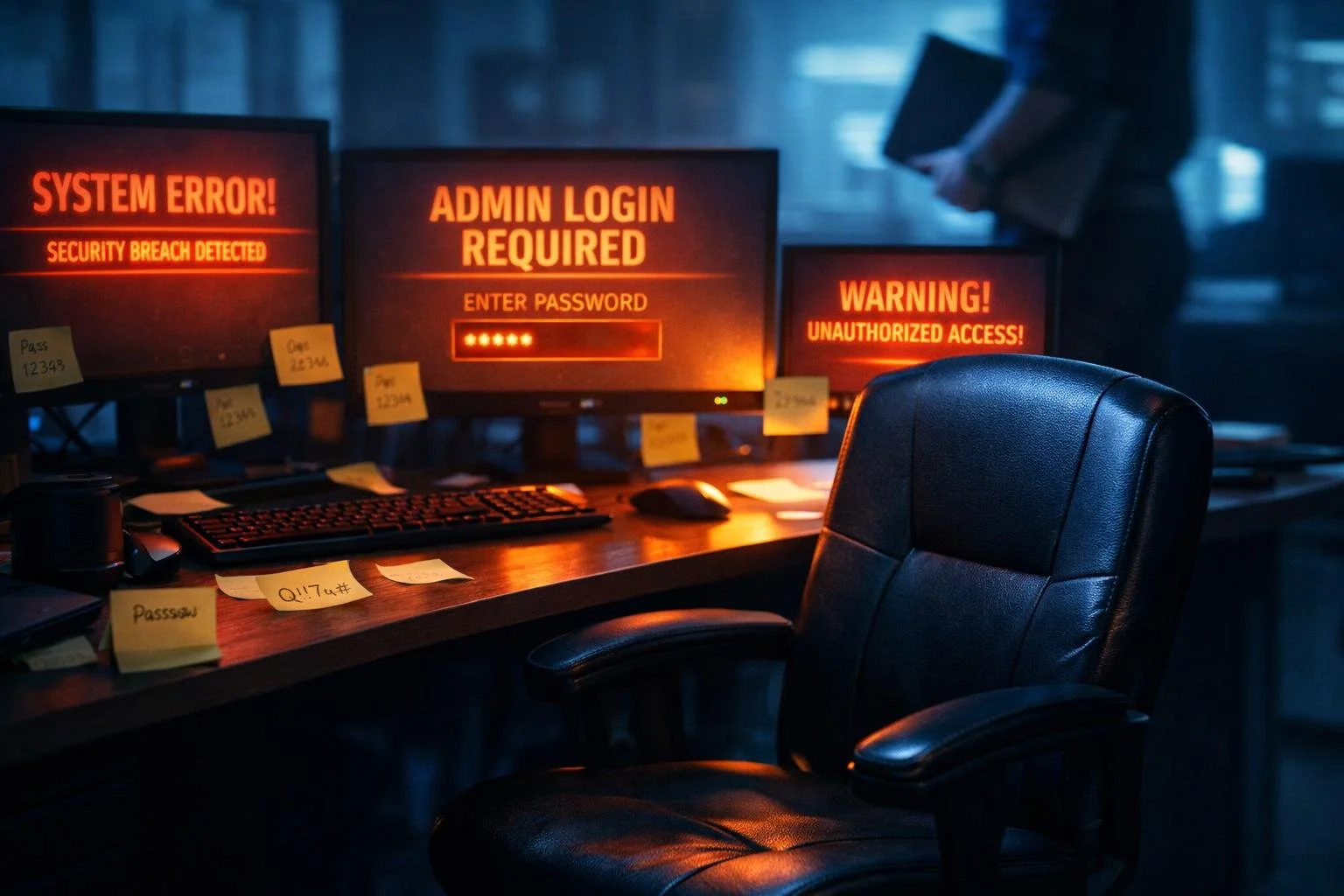
A Real-World IT Transition Nightmare (And How to Prevent It)
Estimated reading time: 10 minutes | Last Updated: 4/14/2026
The Panic Call
Picture this: Your IT person just gave two weeks' notice.
"Our IT person just gave two weeks' notice. He's been with us for six years. He's the only one who knows our passwords, has access to our servers, manages our cloud systems, and handles everything technical. We don't know what to do."
The voice on the other end was tense. This wasn't just an HR issue or a staffing problem. This was an institutional crisis dressed up as a resignation letter.
This scenario happens more often than most businesses realize. A trusted IT professional, often the only technical person in a small to mid-sized company, decides to move on. And suddenly, the organization discovers they don't actually control their own technology infrastructure.
What Gets Exposed When One Person Holds All the Keys
When an IT professional departs, businesses typically discover the same pattern of problems. This wasn't just about replacing one person. It was about recovering control of an entire technology ecosystem that had effectively been outsourced to a single individual's memory.
No Documentation Anywhere
Server credentials? In his head. Domain administrator passwords? Not written down. Firewall configurations? He configured it three years ago and never documented the rules. Backup procedures? "He handles it every week."
There was no central password vault. No system architecture diagrams. No disaster recovery runbooks. No vendor contact lists that weren't tied to his personal email.
Single Points of Failure Everywhere
Typically, one person controls:
• Domain administrator access
• Firewall management console
• Cloud platform administration (Microsoft 365, AWS, vendor portals)
• Vendor relationships and support contracts
• Backup systems and recovery procedures
• Software licensing and renewals
• Security monitoring and incident response
There was no redundancy. No backup person who knew how things worked. No shared responsibility. Just one individual who had become the human embodiment of the company's entire IT knowledge base.
Tribal Knowledge About to Walk Out the Door
The deeper anyone digs, the more businesses discover questions nobody could answer:
• Why does the accounting system connect to the CRM through that specific server?
• What's that monthly subscription charge for the service nobody recognizes?
• How do we restore from backup if the server crashes?
• Where are the licenses for that critical piece of software?
• Why does the printer configuration work through that workaround?
Years of institutional knowledge, workarounds, shortcuts, and "that's just how we do it" decisions were stored in one person's memory. And in two weeks, it would all be gone.
Best Case vs. Worst Case: What Actually Happens Next
Not all IT departures look the same. The outcome depends almost entirely on how the person leaves and whether they're willing to help with the transition.
Best Case Scenario: The Cooperative Departure
In this scenario, the IT professional is leaving on good terms. They genuinely want to help. They give proper notice, they're willing to document systems, and they'll answer questions during the transition.
Even in this best-case situation, you're looking at:
• Two weeks of frantic knowledge capture: Shadowing them through daily tasks, documenting processes, transferring credentials, mapping systems.
• 3 to 6 months of discovery: Finding the systems they forgot to mention, discovering vendor relationships buried in personal email, tracking down licenses nobody knew existed.
• Ongoing gaps: Realizing mid-crisis that nobody knows why a particular workaround exists or how a critical integration was configured.
You still lose institutional knowledge. You still face months of rebuilding. But at least you have cooperation.
Worst Case Scenario: The Hostile or Immediate Exit
Now let's talk about the scenario that gives business owners nightmares.
Sometimes the departure isn't friendly. Sometimes the company decides to walk the person out immediately for security reasons. Sometimes the IT professional quits via email and never comes back.
In these situations:
You're locked out: Critical system credentials are unknown or have been changed. Administrator access? Gone. Firewall console? Can't get in. Cloud platforms? Hope you have a way to prove ownership.
Vendor relationships evaporate: That great pricing your IT person negotiated? It was tied to their personal relationship. Now you're a new customer paying full price with zero leverage.
Systems you don't know exist: You discover critical infrastructure you didn't know about only when it breaks. And you have no idea how to fix it.
Account recovery hell: Begging vendors for emergency account recovery access. Proving you own the domain. Waiting days or weeks while business-critical systems are inaccessible.
Potential sabotage: Some people delete documentation on the way out. Some change passwords maliciously. Some take the only copies of critical information with them.
This is when IT transitions turn into full-blown crises. Systems go down. Business stops. Recovery takes months instead of weeks. And the costs, both financial and operational, skyrocket.
The First 72 Hours: Emergency Triage
Whether it's a cooperative departure or a hostile exit, the first 72 hours are critical. This is when you stop the bleeding and prevent immediate disasters.
Priority 1: Identify What Can't Break
Not everything is equally critical. You need to triage:
What systems are business-critical? (Email, payment processing, customer-facing applications)
What's currently stable and can wait?
What needs immediate attention to prevent failure?
This isn't the time to optimize or improve anything. This is survival mode. Keep the lights on. Prevent catastrophic failure. Everything else waits.
Priority 2: Secure Emergency Access
If the person is cooperative:
• Get all administrator credentials transferred immediately
• Document access to cloud platforms, vendor portals, and critical systems
• Change passwords to company-controlled accounts
• Set up centralized credential management (password vault)
If the person is already gone or uncooperative:
• Contact vendors for emergency account recovery
• Prove domain ownership and company identity
• Reset what you can through recovery procedures
• Hope nothing critical breaks while you're locked out
Priority 3: Map What Exists
You can't protect what you don't know about. Start building an inventory:
• What servers are running?
• What cloud services are active?
• What vendor subscriptions exist?
• What integrations connect systems together?
• What backup systems are in place (and are they actually working)?
This discovery process will take months, not days. But you need to start immediately.
The Long Haul: 3 to 6 Months of Discovery
Even after the initial crisis is contained, the real work is just beginning. This is where businesses discover just how much institutional knowledge walked out the door.
Finding the Undocumented Systems
You'll discover systems you didn't know existed, often at the worst possible time:
• The automated report that suddenly stops generating
• The integration between two platforms that quietly breaks
• The monitoring system nobody knew was running in the background
• The custom script that kept a critical process running
Each discovery adds to your rebuilding workload. Each one reminds you that documentation should have existed all along.
Vendor Relationships Buried in Personal Email
One of the most painful discoveries is realizing that all vendor communication went through the departed employee's personal email address.
Software support tickets? His email. Renewal notifications? His inbox. Special pricing agreements? Negotiated through his personal relationships.
Now you're starting from scratch. New account contacts. Standard pricing. No relationship leverage. And vendors know you're desperate.
Licenses Nobody Knew Existed
You'll find software licenses you didn't know you had:
• Subscriptions on autopay that nobody authorized but everyone depends on
• Critical software with licenses about to expire and no renewal process
• Tools purchased years ago that are still essential but have no documentation
The scramble to identify, validate, and properly manage these licenses becomes a months-long project.
The "Why Does This Even Work?" Moments
Perhaps the most frustrating part of IT transition is discovering systems held together with workarounds nobody understands:
• Why does data sync happen through this specific server instead of directly?
• Why is there a manual step in this otherwise automated process?
• Why does rebooting fix this recurring issue?
• What is this server actually doing, and can we turn it off?
These mysteries slow down everything. You can't improve what you don't understand. You can't fix what you can't document. And you're afraid to change anything because you don't know what depends on it.
What Should Have Been in Place All Along
The good news is that IT transition crises are completely preventable. The problem isn't that people leave. The problem is that businesses allow critical institutional knowledge to exist in one person's head.
Here's what should exist in every organization, regardless of size:
1. Documentation Standards
Every system, configuration, and process should be documented:
• Network architecture diagrams
• Server and cloud infrastructure documentation
• Vendor contact lists and contract details
• Software inventory and licensing information
• Integration and dependency maps
• Change logs tracking system modifications
This documentation should be stored centrally, kept current, and accessible to more than one person.
2. Centralized Credential Management
No passwords should exist only in someone's head or personal password manager:
• Use an enterprise password vault (1Password, Bitwarden, LastPass Business)
• Store all administrative credentials centrally
• Implement role-based access controls
• Require multi-factor authentication
• Regular audits of who has access to what
When someone leaves, you should be able to transfer access in hours, not weeks.
3. Runbooks and Standard Operating Procedures
Common tasks should be documented step-by-step:
• How to restore from backup
• How to add/remove users
• How to respond to common incidents
• How to apply security patches
• How to renew licenses and subscriptions
These runbooks mean that routine operations can continue even when the primary IT person is unavailable.
4. Transfer Vendor Relationships to the Company
Vendor relationships should belong to the organization, not the individual:
• Use company email addresses for all vendor communication
• Maintain a centralized vendor contact database
• Document contract terms, pricing, and renewal dates
• Ensure multiple people have access to vendor portals
When your IT person leaves, vendor relationships should remain intact.
5. Knowledge Sharing, Not Knowledge Hoarding
IT knowledge should be institutional, not individual:
• Regular knowledge transfer sessions
• Cross-training on critical systems
• Documentation requirements for any system changes
• Expectation that knowledge is shared, not siloed
Even in a one-person IT department, documentation and knowledge sharing should be non-negotiable.
6. Succession Planning
Every critical role should have a succession plan:
• Identify backup contacts for critical systems
• Maintain relationships with trusted external partners (MSPs, consultants)
• Plan for continuity if the primary IT person becomes unavailable
• Test the plan periodically
The question isn't if someone will leave. It's when. Be ready.

The Real Fix: Building Resilient IT
The answer to "your IT guy just quit, now what?" shouldn't be panic. It should be a well-executed transition plan that was built years before the resignation letter arrived.
This is where virtual CIO (vCIO) services and strategic IT advisory become invaluable.
What a vCIO Does Differently
A virtual CIO provides senior-level IT leadership without the single-person dependency:
• Strategic oversight: Technology planning aligned with business goals
• Documentation enforcement: Making sure systems are documented as they're built
• Institutional continuity: Knowledge that survives individual departures
• Vendor management: Relationships owned by the organization, not individuals
• Risk management: Identifying single points of failure before they become crises
When your internal IT person leaves, the vCIO relationship continues. The institutional knowledge remains. The transition is managed, not chaotic.
Documentation as a Service
One of the most valuable aspects of working with strategic IT partners is proactive documentation:
• Systems documented as they're implemented
• Regular audits to ensure documentation stays current
• Centralized knowledge base accessible to authorized personnel
• Runbooks and SOPs maintained by professionals
Documentation isn't something that happens "someday." It's built into the process from day one.
Making IT Knowledge Transferable
The ultimate goal is simple: your IT infrastructure should survive any individual departure.
This requires:
• Systems built with transferability in mind
• Documentation that's clear enough for someone new to understand
• Processes that don't depend on one person's memory
• Vendor relationships managed at the organizational level
• Credentials centrally managed and accessible to authorized personnel
When someone leaves, you should be able to hand their responsibilities to someone new without starting from scratch.
The Bottom Line
Your IT guy just quit. Now what?
If you're reading this after getting that panicked call, you already know the answer: it's going to be messy, expensive, and time-consuming. You'll spend the next several months rebuilding institutional knowledge that should have been documented all along.
But if you're reading this before that call comes, you have a choice.
You can build systems that survive turnover. You can document your infrastructure. You can centralize credentials. You can make knowledge institutional instead of tribal. You can ensure that the next resignation is a transition, not a crisis.
The fix isn't hiring faster when someone leaves. The fix is building resilient IT infrastructure that doesn't depend on any single person.
Because the question isn't if your IT person will leave. It's when. And whether you'll be ready.
Need help building IT systems that survive turnover? That's what we do!
THINKFLEX provides virtual CIO services, IT documentation, and strategic technology leadership that ensures your business never loses control of its infrastructure. Contact us at thinkflex.ca to learn more.